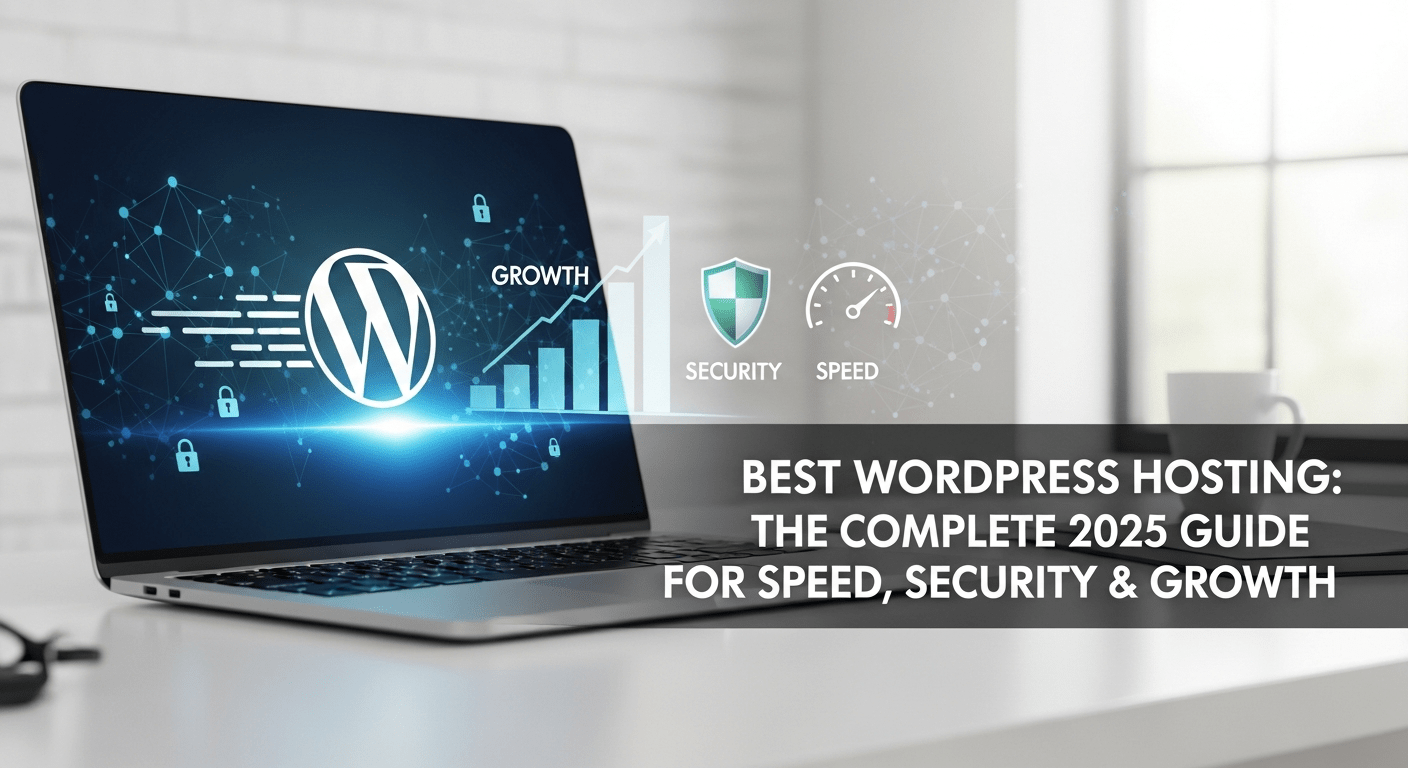
Understanding WordPress Hosting: Why It Matters
WordPress hosting often seems like a technical detail, yet its impact reaches far deeper than most people expect.
Many website owners only realize its importance once performance issues begin disrupting their business.
Slow pages, brief outages, or unstable dashboards often signal that the hosting environment is no longer supporting the website’s growth.
Although these symptoms look like frontend issues, they usually stem from the underlying server.
Several years ago, a colleague who operated a rising skincare brand faced a similar challenge. Her site attracted thousands of visitors daily, but each product launch made the homepage sluggish.
Because her initial hosting plan wasn’t optimized for traffic surges, even simple requests caused delays. After migrating to a dedicated WordPress hosting solution, her load times improved dramatically.
As a result, her conversion rates rose, and customer satisfaction increased. The experience taught her that hosting isn’t merely a place to store files—it’s the foundation of the entire digital presence.
This lesson applies to entrepreneurs, creators, and organizations of all sizes. Choosing a powerful hosting environment provides stability, speed, and confidence, ensuring your website is always ready for new opportunities.
What Is WordPress Hosting?
WordPress hosting refers to a server configuration designed specifically for websites built on WordPress.
Unlike traditional generic hosting, these environments include optimizations such as caching layers, tuned databases, updated PHP versions, and strict security rules.
These enhancements allow WordPress sites to operate faster and more reliably, especially under pressure.
Additionally, hosting providers usually include one-click installations, automated updates, security scanning, and performance enhancements.
Because of these built-in advantages, WordPress users can focus more on content creation and business development instead of troubleshooting server issues.
The hosting environment essentially removes friction from the technical side, making website management easier and more efficient.
Types of WordPress Hosting You Should Know
WordPress hosting comes in several forms, each designed for different budgets, skill levels, and performance needs. Understanding these types helps you make an informed decision that aligns with both current and future goals.
Shared WordPress Hosting
Shared hosting is the most affordable option. Multiple sites live on the same server and share resources. Although it works well for beginners, this setup may struggle once your traffic begins to increase. Nevertheless, shared plans provide a gentle introduction for users testing ideas or building small blogs.
Managed WordPress Hosting
This option offers a hands-off experience. Providers handle updates, backups, caching, and security. Consequently, you spend less time on maintenance and more time running your business.
Managed hosting is popular among professionals who require stability and ongoing optimization.
VPS WordPress Hosting
A Virtual Private Server allocates dedicated virtual resources to your site. Since it offers stronger performance and deeper customization, developers and growing brands often choose this option. It also offers a good balance between price and capability.
Dedicated WordPress Hosting
Dedicated hosting provides full access to an entire physical server. Because all power is allocated to a single user, performance remains exceptional.
This setup, however, requires a larger investment and is best suited for high-traffic, enterprise-level projects.
Cloud WordPress Hosting
Cloud hosting distributes your website across multiple servers. When traffic spikes occur, additional resources activate automatically.
Consequently, cloud hosting ensures strong uptime and smooth user experiences, especially during promotions or seasonal events.
Key Features to Look for in WordPress Hosting
When evaluating services, focus on the features that influence long-term performance and reliability. Transitioning to better infrastructure enhances user experience and SEO outcomes.
Essential Features
-
Uptime guarantee of at least 99.9%
-
SSD or NVMe storage
-
Server-level caching
-
Automatic backups
-
Integrated CDN
-
Free SSL certificates
-
Malware scanning and security firewalls
-
Scalable resource options
-
One-click WordPress installation
-
Responsive technical support
These features form a strong foundation and reduce downtime risks.
Comparison Table: Popular WordPress Hosting Providers
Data collected from official provider websites (2024).
| Provider | Key Features | Pros | Cons | Starting Price | Rating |
|---|---|---|---|---|---|
| Bluehost | Free domain, CDN, auto updates | Beginner-friendly | Renewal increases | $2.95/mo | 4.6 |
| SiteGround | Speed tech, security suite, managed tools | Exceptional performance | Limited storage | $2.99/mo | 4.8 |
| WP Engine | Fully managed, premium caching, staging | Industry-leading speed | Higher pricing | $20/mo | 4.9 |
| Hostinger | LiteSpeed servers, global data centers | Affordable and fast | No phone support | $2.49/mo | 4.5 |
A Story from the Field: When Hosting Transforms a Business
Midway through my career, I met a digital illustrator who nearly abandoned her online store because of recurring technical issues.
Every launch day, her website slowed to a crawl. Despite her growing audience, the hosting plan lacked the capacity to handle large image files.
When she finally moved to a more advanced WordPress hosting plan built for creative portfolios, everything changed. Her customers enjoyed faster galleries, her SEO rankings improved, and she regained confidence in her business.
This story shows how improved infrastructure can shift momentum instantly. Hosting doesn’t just support performance—it directly influences a brand’s credibility, sales potential, and long-term growth.
Benefits of Choosing the Right WordPress Hosting
Faster Performance
Speed plays a significant role in SEO and user satisfaction. A well-optimized hosting plan enhances load times, resulting in lower bounce rates and higher engagement.
Solid Security
Cyberattacks target millions of WordPress sites each year. Robust hosting adds protection layers that reduce vulnerabilities and keep your site safe.
Improved SEO Signals
Search engines prioritize stable and fast websites. Strong hosting helps you rank better by supporting clean performance metrics.
Priority Support
Knowledgeable support teams help diagnose issues quickly. This prevents unnecessary downtime and keeps your operation running smoothly.
Scalable Growth
As your traffic grows, your hosting environment should grow with it. Plans with scaling capabilities prevent performance bottlenecks.
Pros & Cons Table: WordPress Hosting Types
| Hosting Type | Pros | Cons |
|---|---|---|
| Shared | Affordable, simple setup | Limited resources |
| Managed | Optimized & secure | Higher cost |
| VPS | Flexible & scalable | Requires technical skill |
| Dedicated | Maximum performance | Expensive |
| Cloud | Auto-scaling | Variable billing |
Pricing Overview
Here is a general pricing guide to help set expectations:
| Hosting Type | Average Monthly Cost | Best For |
|---|---|---|
| Shared | $2–$5 | Beginners |
| Managed | $15–$30 | Businesses |
| VPS | $25–$60 | Developers |
| Dedicated | $80–$200 | Enterprise sites |
| Cloud | $10–$50 | Fast-growing brands |
How to Choose the Best WordPress Hosting
Selecting a hosting plan begins with understanding your needs. Consider projected traffic, content type, security requirements, and budget.
Additionally, look for providers offering easy upgrades, stable performance records, and transparent support policies.
Before committing to a long-term plan, evaluate uptime data, independent reviews, and real-world performance tests from trusted sites such as WPBeginner, TechRadar, or PCMag. A brief trial period also helps determine whether the environment feels comfortable and responsive.
Extra Tips for Optimizing Your Website
Even with excellent hosting, additional steps can elevate your site even further:
-
Use lightweight themes
-
Remove unnecessary plugins
-
Compress images before uploading
-
Minify CSS and JS files
-
Enable caching
-
Run periodic database cleanup
-
Test site speed monthly
Small improvements compound over time, resulting in better long-term performance.
Helpful External Resources
-
WordPress Support: https://wordpress.org/support/
-
PageSpeed Insights: https://pagespeed.web.dev/
-
WPBeginner WordPress Tutorials: https://www.wpbeginner.com/
These resources guide you through updates, optimization, and troubleshooting.
Final Thoughts & Soft CTA
Selecting the right WordPress hosting is more than a technical choice—it’s a strategic investment that shapes speed, stability, SEO performance, and customer experience.
A reliable hosting partner ensures your site grows confidently, even when traffic spikes or new opportunities appear unexpectedly.
If you’re ready to explore high-quality hosting plans, feel free to visit the official websites of Bluehost, SiteGround, Hostinger, or WP Engine.
Their detailed comparisons and up-to-date features will help you choose the best infrastructure for your project’s long-term success.